Prepress Masterclass: CMYK vs RGB and Avoiding Bleed Errors in Production
Why colors look vibrant on your phone screen but dull on paper if you don't convert to CMYK. How to set 3mm bleed margins correctly.
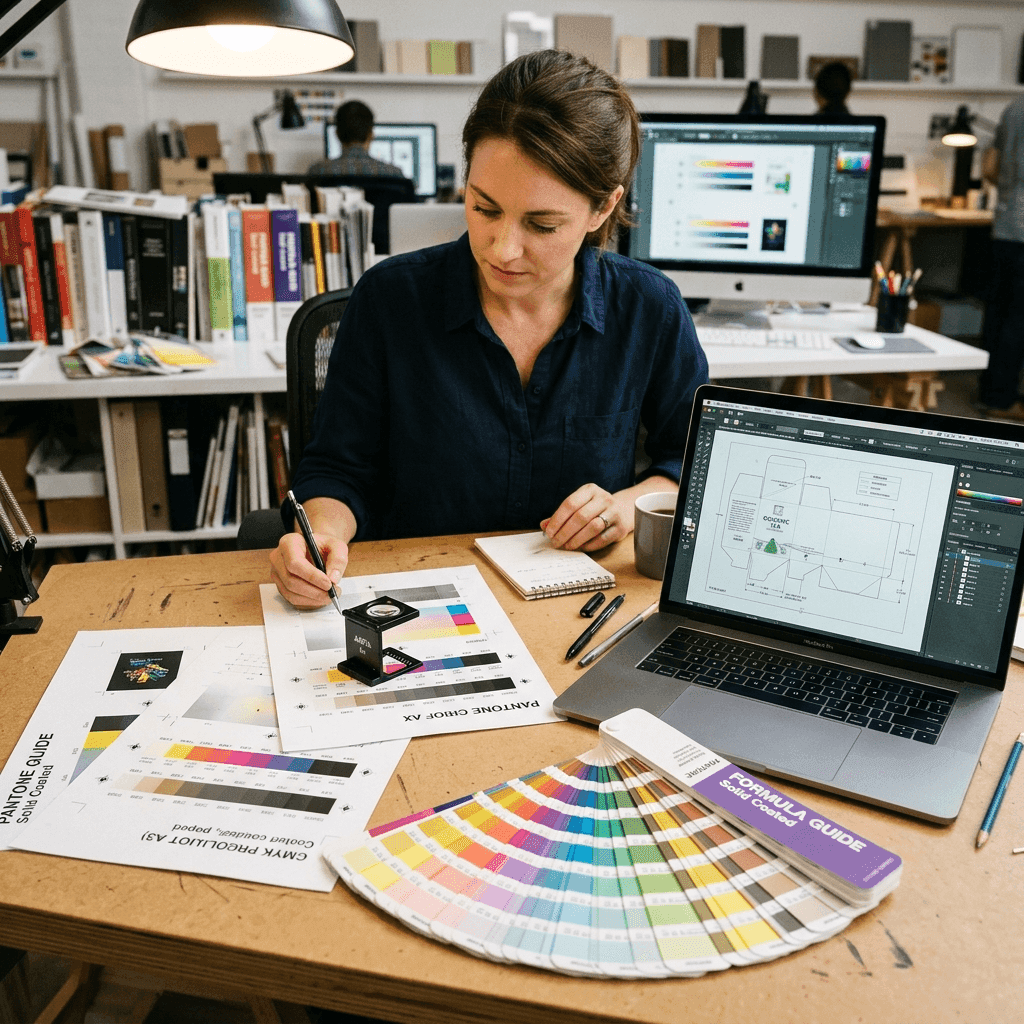
Official Prepress Quality Control & Color Proofing Atelier — Command Print Co. Gurugram
Red, Green, Blue. Produces brilliant digital shades. Not printable directly — will shift when converted on plates.
Cyan, Magenta, Yellow, Key Black. Physical commercial standard. Use FOGRA39 or US Web Coated SWOP.
1. The Physics of Color: Additive (RGB) vs. Subtractive (CMYK)
Computer monitors, smartphones, and tablets emit light directly into your eyes using the RGB (Red, Green, Blue) additive color model. Starting from pure black, pixels combine light frequencies to create over 16.7 million visible shades — including piercing neon greens, fluorescent pinks, and ultra-saturated cobalt blues.
Printing presses and digital production printers, however, operate on the CMYK (Cyan, Magenta, Yellow, Key Black) subtractive color model. Commercial inks do not emit light; they absorb (subtract) specific light wavelengths bouncing off paper. Because physical pigments have chemical absorption limits, the printable CMYK color gamut is significantly narrower than RGB.
Pro Tip: If you design a brochure or business card in RGB mode, your monitor is showing colors that physical CMYK ink cannot chemically reproduce. When sent to press, the rip software will automatically map out-of-gamut shades to the closest printable equivalent, often resulting in muddy, dull tones.
2. Rich Black vs. Standard Black (Avoid Grayish Text)
One of the most common prepress mistakes is using default RGB Black (0, 0, 0) or standard 100% K Black for large background solids. On paper, 100% K ink absorbs about 85% of ambient light, giving large surfaces an unappealing dark charcoal or faded slate finish.
For deep, velvety black backgrounds, luxury packaging, and signage, our Gurugram facility utilizes 'Rich Black' — a calibrated cocktail of four process inks:
3. The 3mm Bleed Rule & Safety Margins
Industrial high-speed guillotines trim thousands of printed sheets simultaneously under hydraulic pressure. While our computer-controlled Polar cutters maintain an incredible tolerance of ±0.5mm, microscopic paper shifts during high-speed cutting are inevitable.
4. Exporting Print-Ready Vector PDFs from Design Software
Whether designing in Adobe Illustrator, Photoshop, InDesign, CorelDraw, or Canva, always adhere to this industrial prepress export checklist:
Free Prepress Proofing: Need our technicians to inspect your artwork before burning offset plates or printing DTF transfers? Send your vector PDF directly to Command Print Co. on WhatsApp at +91 72900 00716 for a free automated CMYK & bleed margin audit.
Need a Free CMYK & Bleed Check on Your Artwork?
Send your PDF, AI, or Canva link directly to our Gurugram prepress specialists on WhatsApp (+91 72900 00716). We generate an interactive 3D digital proof before running production.
Related Masterclasses

The Ultimate GSM Guide: How to Pick the Perfect Paper Weight for Your Brand
Demystifying 170 GSM vs 350 GSM vs 600 GSM Triplex. Learn which paper thickness creates real tactile trust when handed to clients.

Soft-Touch Velvet vs. Classic Matte: Which Luxury Finish is Right for You?
Feel the difference. We compare tactile sensation, scratch resistance, and foil stamping compatibility across modern print finishes.